
How to Filter Applications by Status
Easily find and manage applications in the dashboard by filtering them according to their current status.
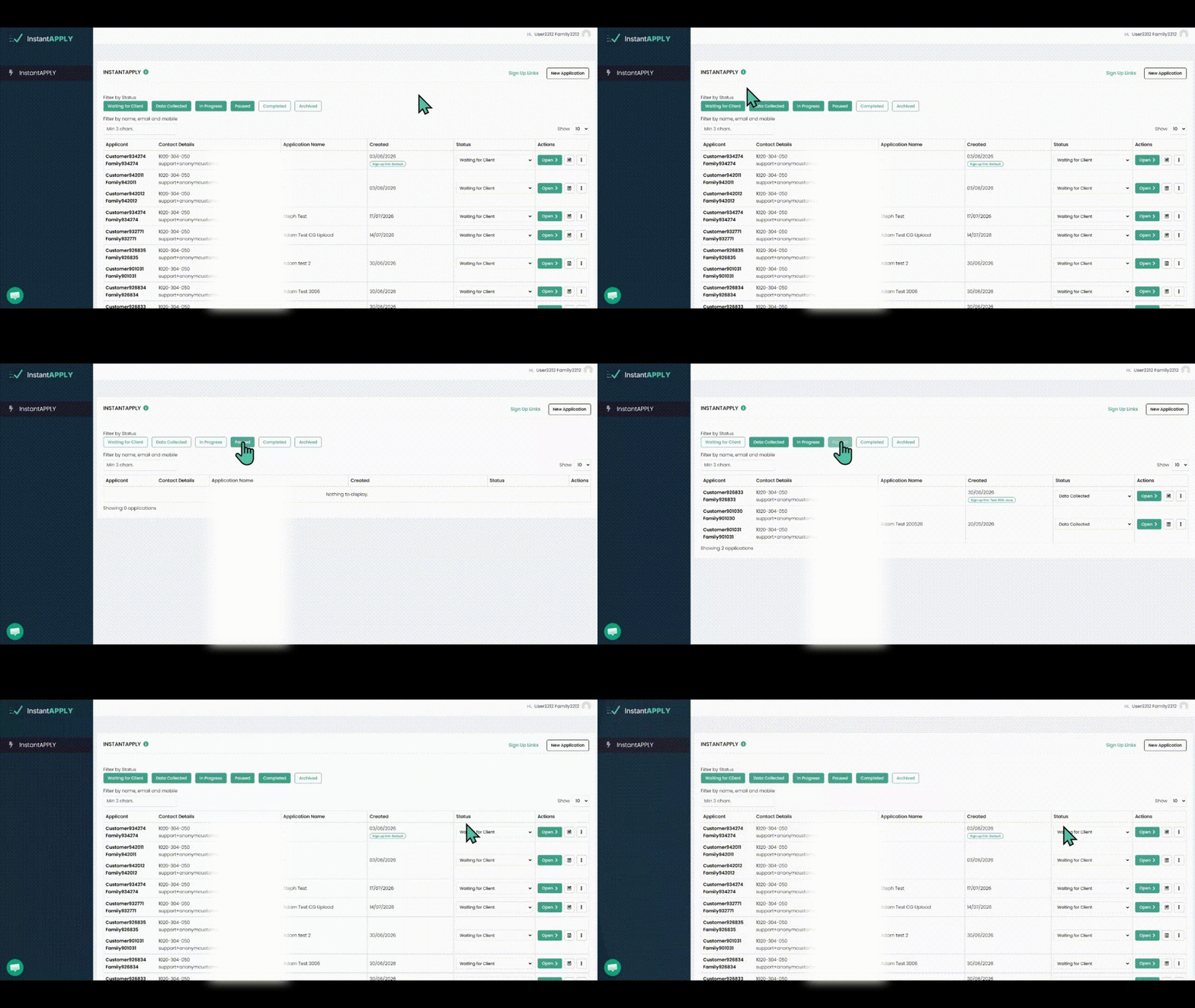
Use application status filters to quickly find applications at a particular stage of the application process (see below).
Tip
Toggle each Status filter when managing multiple applications. For example, filtering by In Progress allows you to quickly identify applications that may require your attention.
If no applications appear after applying a filter, check the selected status or clear the filters to return to all applications.