How to Generate Bank Statements in InstantAPPLY
Generate your client's Bank Statements and other Supporting Documents directly from InstantAPPLY in just a few clicks.
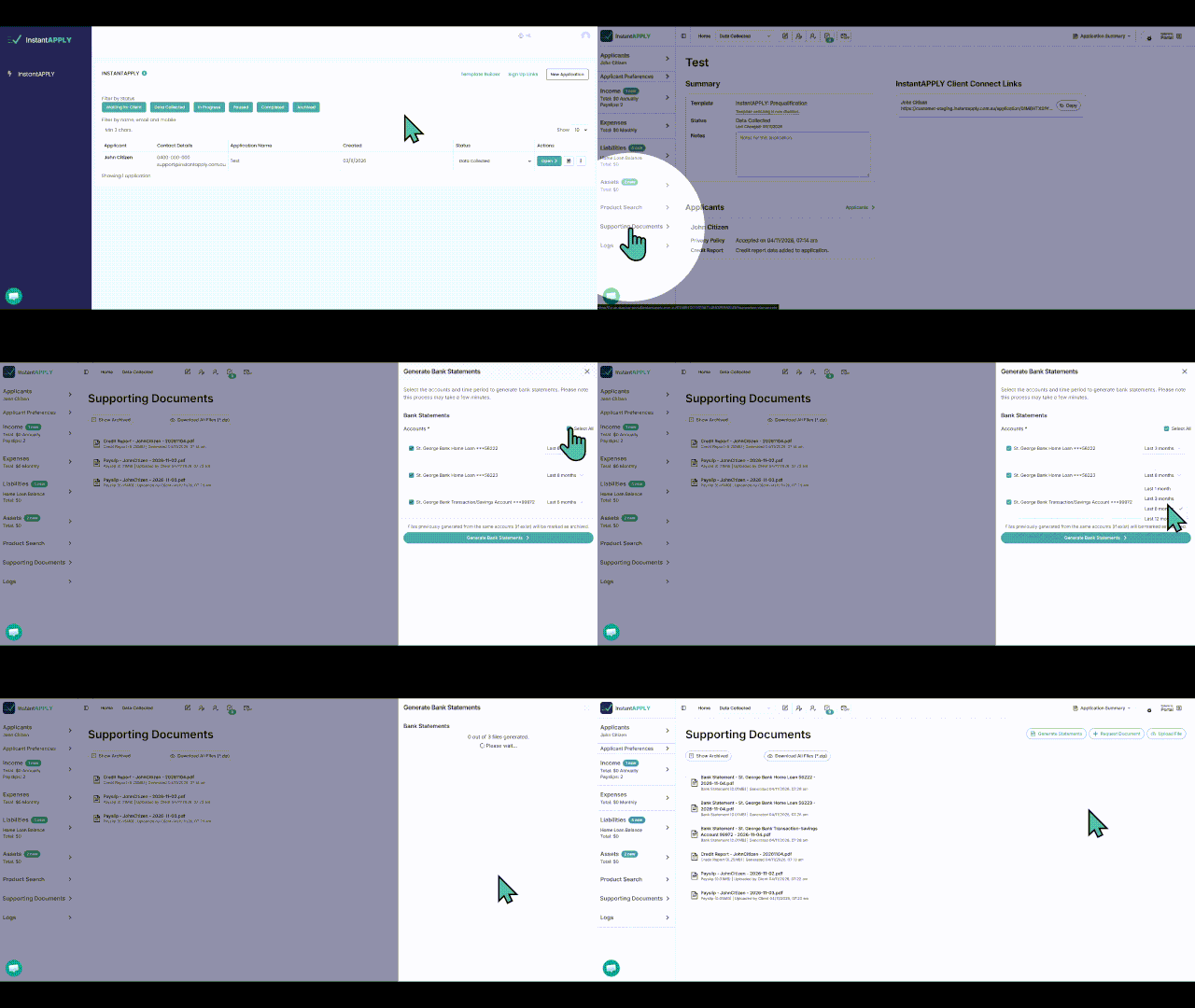
Brokers can generate Bank Statements if the clients have linked their accounts to Open Banking. To generate these, follow the steps below:
1. Inside the application, Click Supporting Documents.
2. Click Generate Statements.
3. Select the Client's Account/s.
4. Specify the Time Period for the document/s.
5. Click Generate Bank Statements.
6. Click Finish once process completes.
The Bank Statements should now be found in the Supporting Documents List for you to view or download.
🎬Watch the Guide Here:
ℹ️ If the client has uploaded any documents, you can also download them in the Supporting Documents Module.