
Sending Expense Categorisation to Quickli
Send Expenses to Quickli
Once you've run an Expense Categorisation and reviewed the expenses, click Send to Quickli.
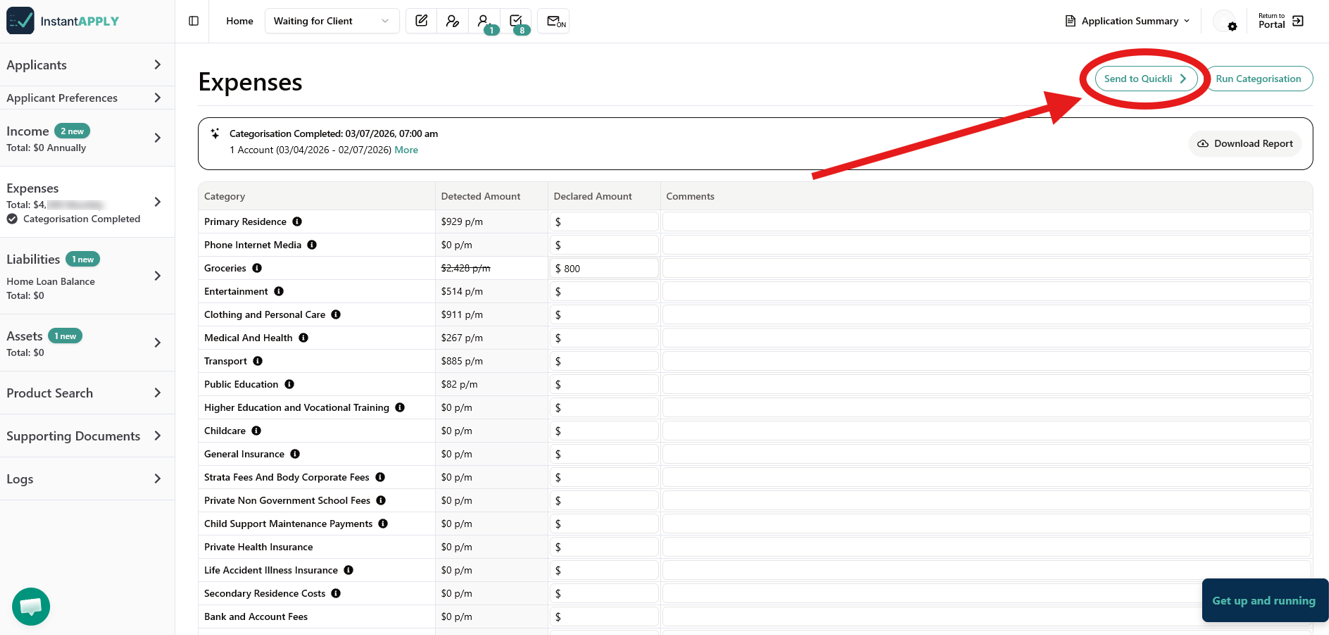
InstantAPPLY will:
- Transfer the expense data directly to Quickli.
- Create a new client and scenario if the client does not already exist.
- Create a new scenario under the existing client if the email address already exists in Quickli.
- If edited, use Declared amounts instead of Detected amounts when sending data to Quickli.
Note: A valid InstantAPPLY Quickli API key must first be configured before sending data. Check this KB Article to integrate InstantAPPLY with Quickli.